Bipolar - Creator Commentary
Steam Workshop::Bipolar [Bossfight Remix]
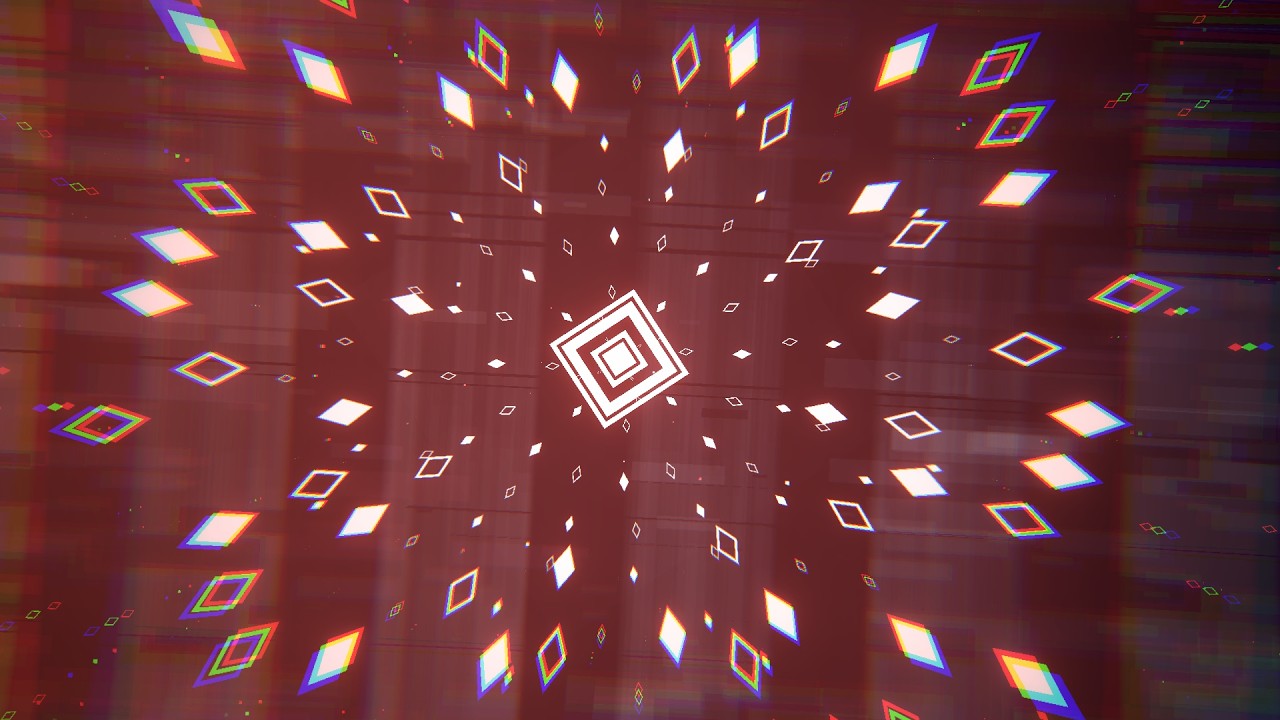
Inspired by groggo’s Creator Commentary on Emerald Lakeside, I wanted to do an in-depth overview of my newly released level “Bipolar” - remix by Bossfight, original by Dex Arson.
This post will contain some level development insights and a few fun little facts about it, hope you all enjoy! ^^
Song Choice
The very first time I heard the song was in a custom level from Geometry Dash, "NoClipistic" by Elisione, back in 2018 (8 years ago now!), only using the parts after the 1st drop and just before the buildup of the 2nd one. I’ve always had those parts stuck in my head for a while, and recently, I found myself thinking about it again and the amazing melodies that accompanied those parts.
Last month, I finally saved the song to my SoundCloud playlist and started listening to it more often. The parts I mentioned before really motivated me to make a level with them, so I decided I was going to use the full song. Even if the drops are a little… strange and intense!
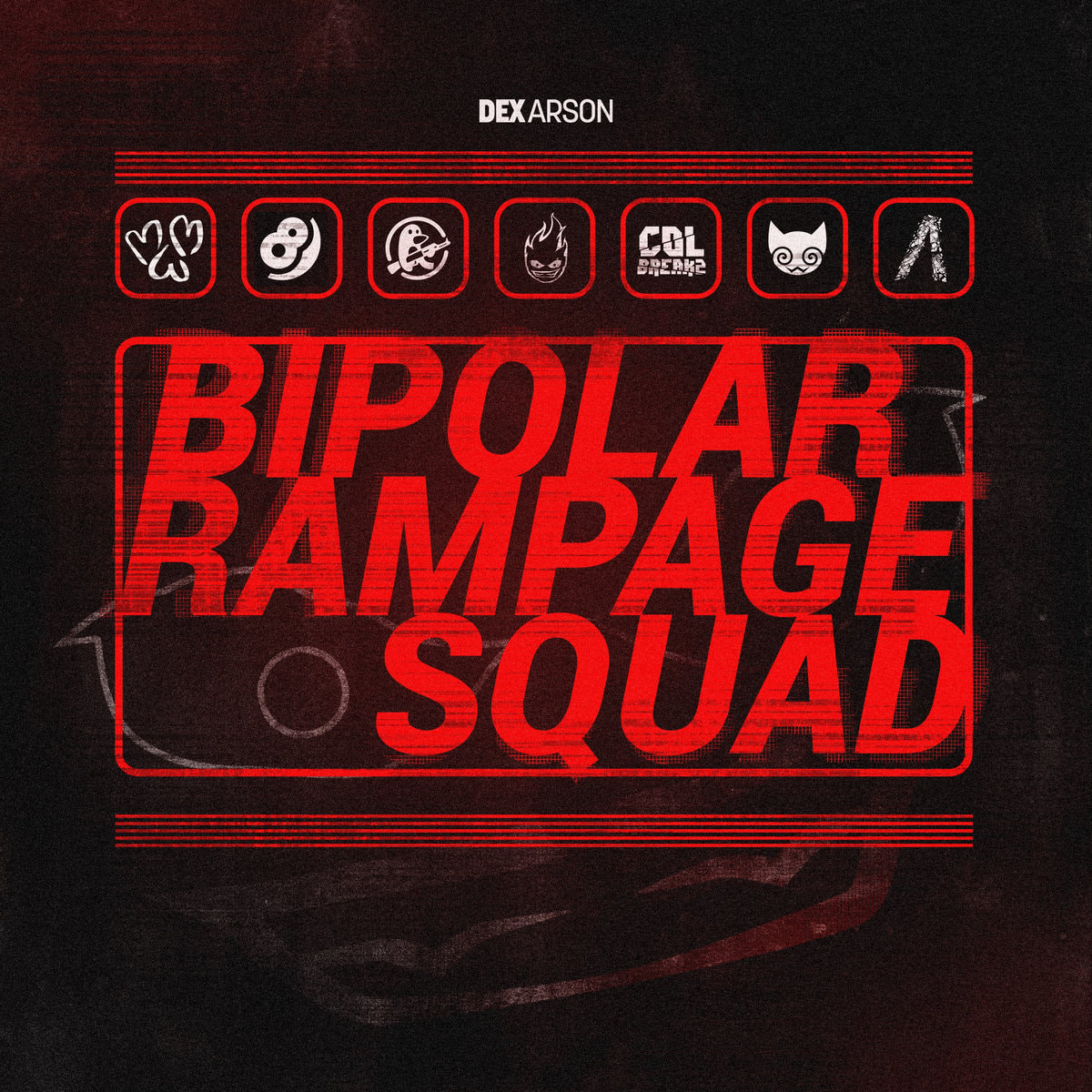
Extra tidbit: This song is in an album called Bipolar Rampage Squad, and in there, there is another song that I actually really wanted to use for a long time… but due to the complex nature of it, I haven’t done so yet. It’s also another song where the melodies in there, I argue, are even better than Bipolar’s, but the drops are also a little strange. Can you guess what song it is?
Level Inspiration
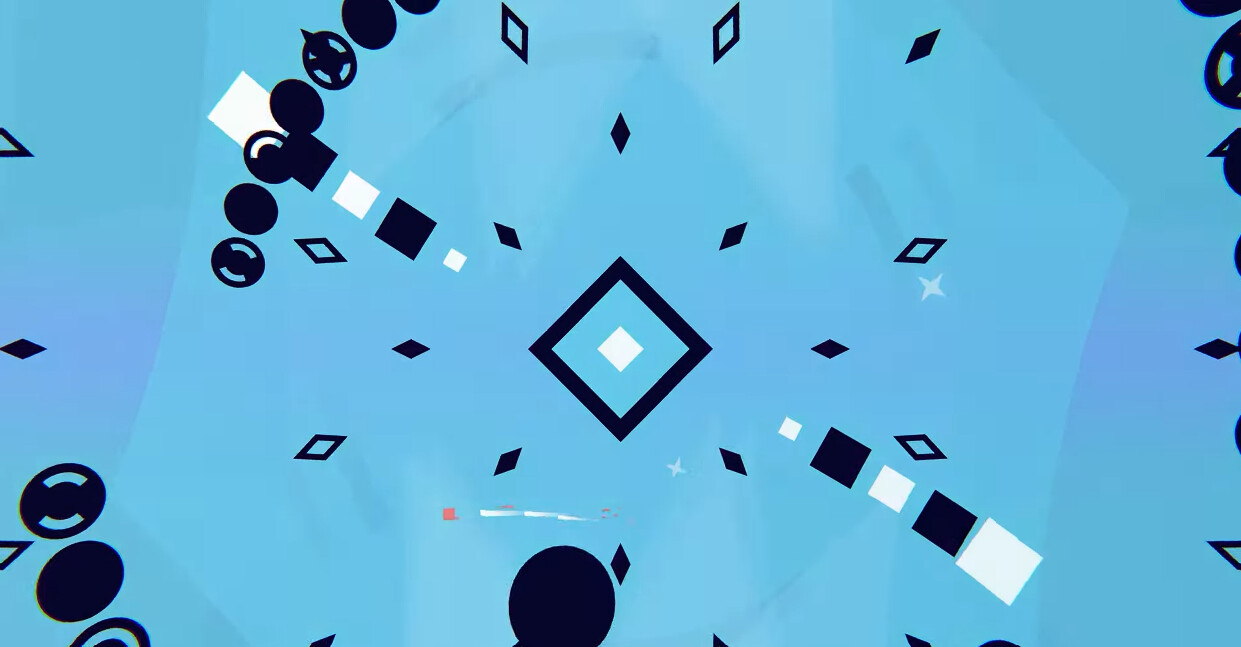
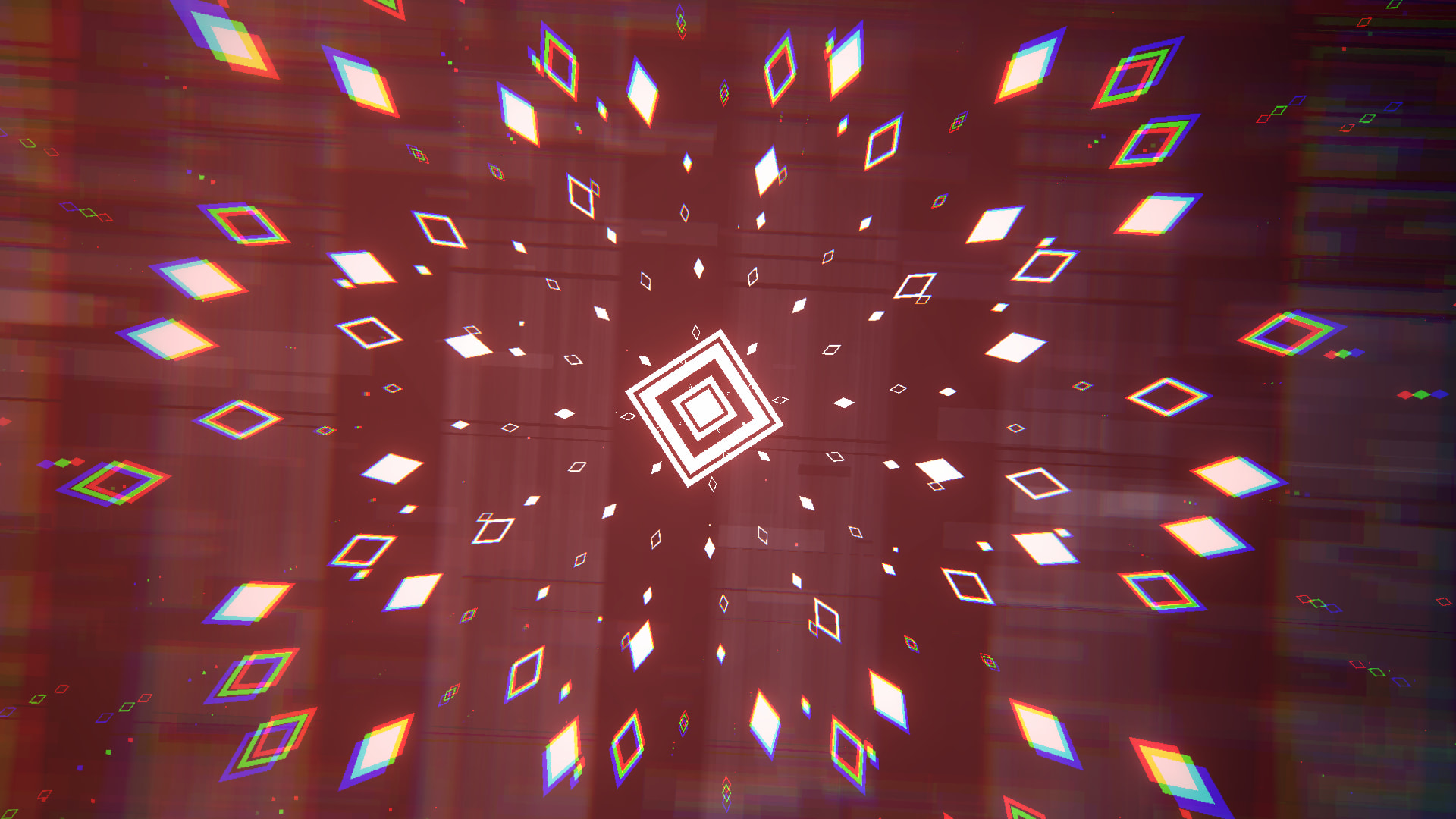
This time I wanted to make a level in a style I hadn’t tried before. I got really inspired by the level “Empress” by Blane & greystr3am, one of my all-time favorite levels, using white and a darker color palette for the attacks with a background that switches between multiple colors. Also, I tend to really like using squares that have been rotated 45 degrees and diamond shaped objects, “Empress” also uses a lot of them ^^
Level Workflow
The level was started on June 3, 2026 and released on June 19, 2026. That’s a little over two weeks for a three-and-a-half-minute level, with roughly half of that time spent taking necessary breaks. Moreover, for this level, I sent previews quite often on the AB Discord server, each preview generally corresponded to a session where I worked on the level. In total, I worked on the level across 9 days, usually in 1–2 creation sessions + breaks in between.
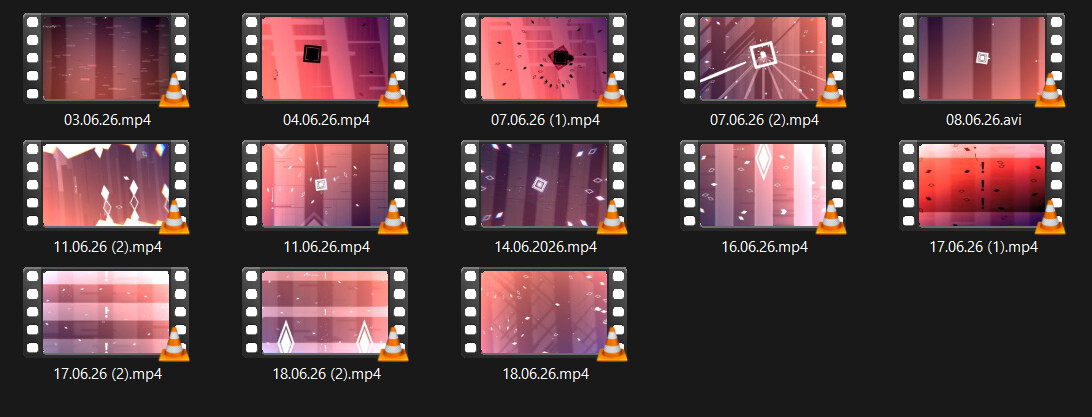
Breaks are really important, the reason why I said “necessary breaks” is because even if I actually still had time and energy to make more, I often intentionally stop and don’t allow myself to work on it until the break is over. A break could just be a few hours or a couple of days. I feel this is quite important to maintain motivation and consistency throughout the entire creation process.
Level Creation
Finally, now onto the level itself!
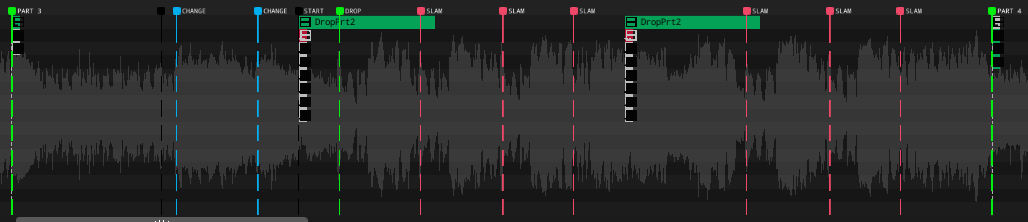
The very first thing I always do with my levels is to place down markers. (in-game, they’re called notes)
-
Markers are very helpful for structuring your level. I mostly place them at the beginning of each section, before drops, or whenever a part changes midway through. (PART 1, PART 2, DROP, CHANGE, etc…)
-
Markers also help a lot with syncing objects / keyframes to hard-to-sync parts of the song.
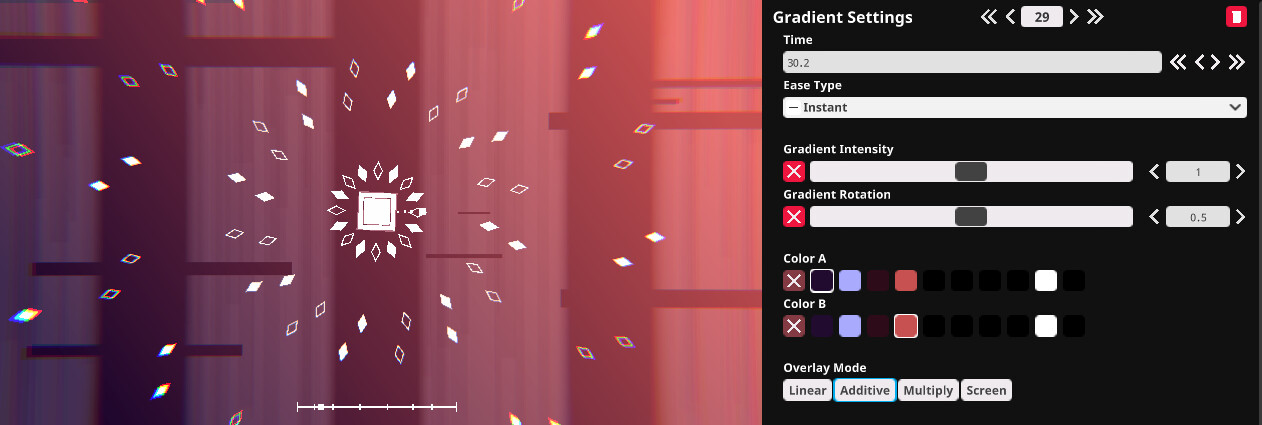
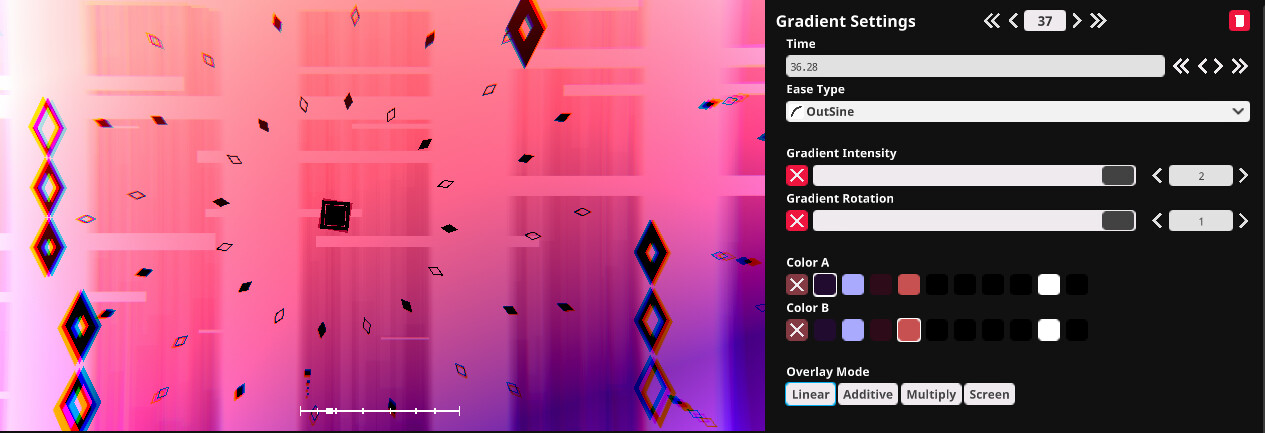
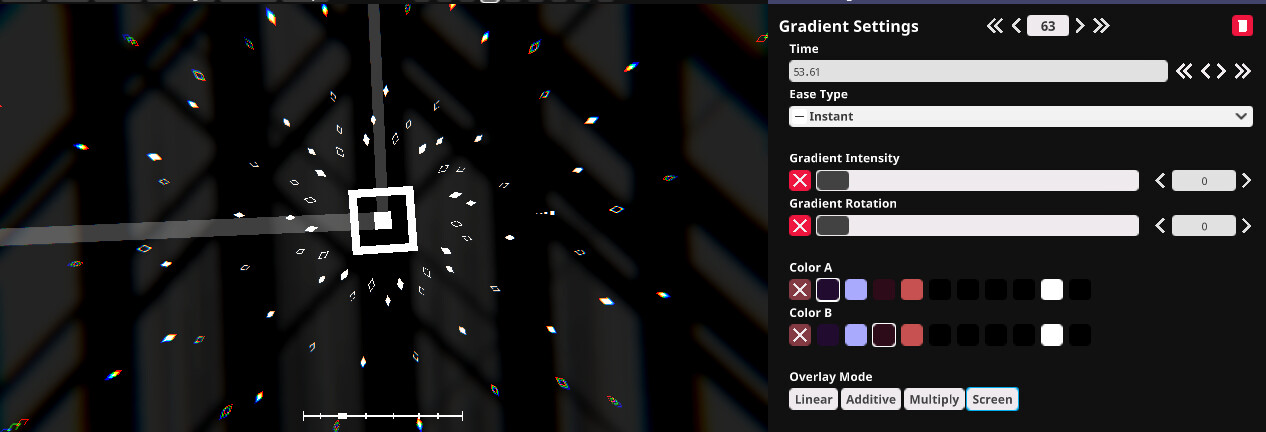
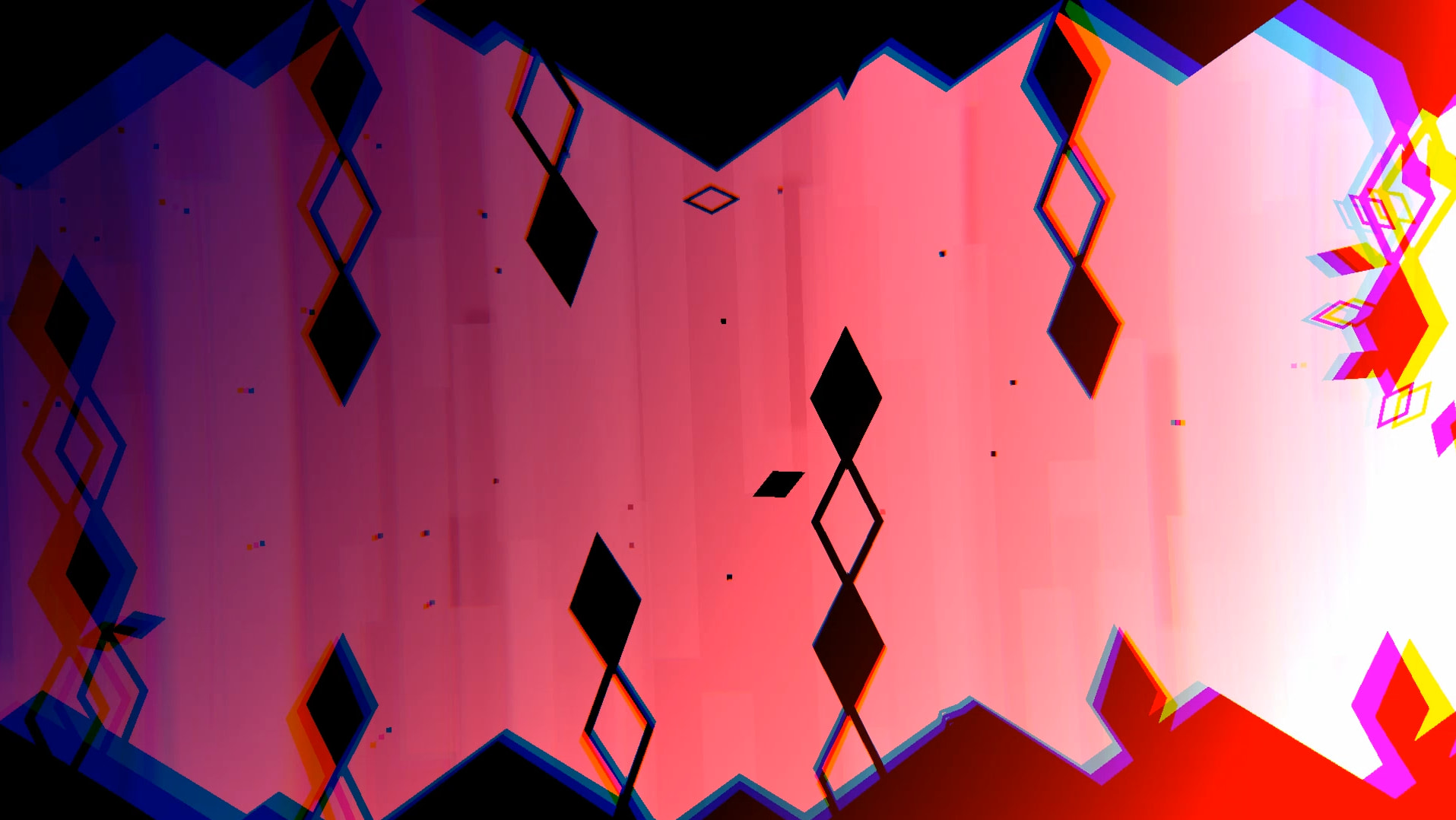
Secondly, themes. As mentioned above, I wanted to make a white and a darker color palette for the attacks with a background that switches between multiple colors. For this level, most of the colors are coming from the gradient events.
-
For the white theme, it’s using an Additive gradient event set to Intensity 1 with the gradient rotation randomized throughout the level. (Pidge, if you’re reading this, is it possible to have a randomization option for gradient rotation?)
-
For the black theme, it’s using a Linear gradient event set to Intensity 2, rotation same as above. I’m aware that the black theme has some contrast issues (thanks Cozm!), but due to the way the gradient event works, I’m unable to change that full black color to something else, perhaps to a darker blue or darker purple would work nicely.
-
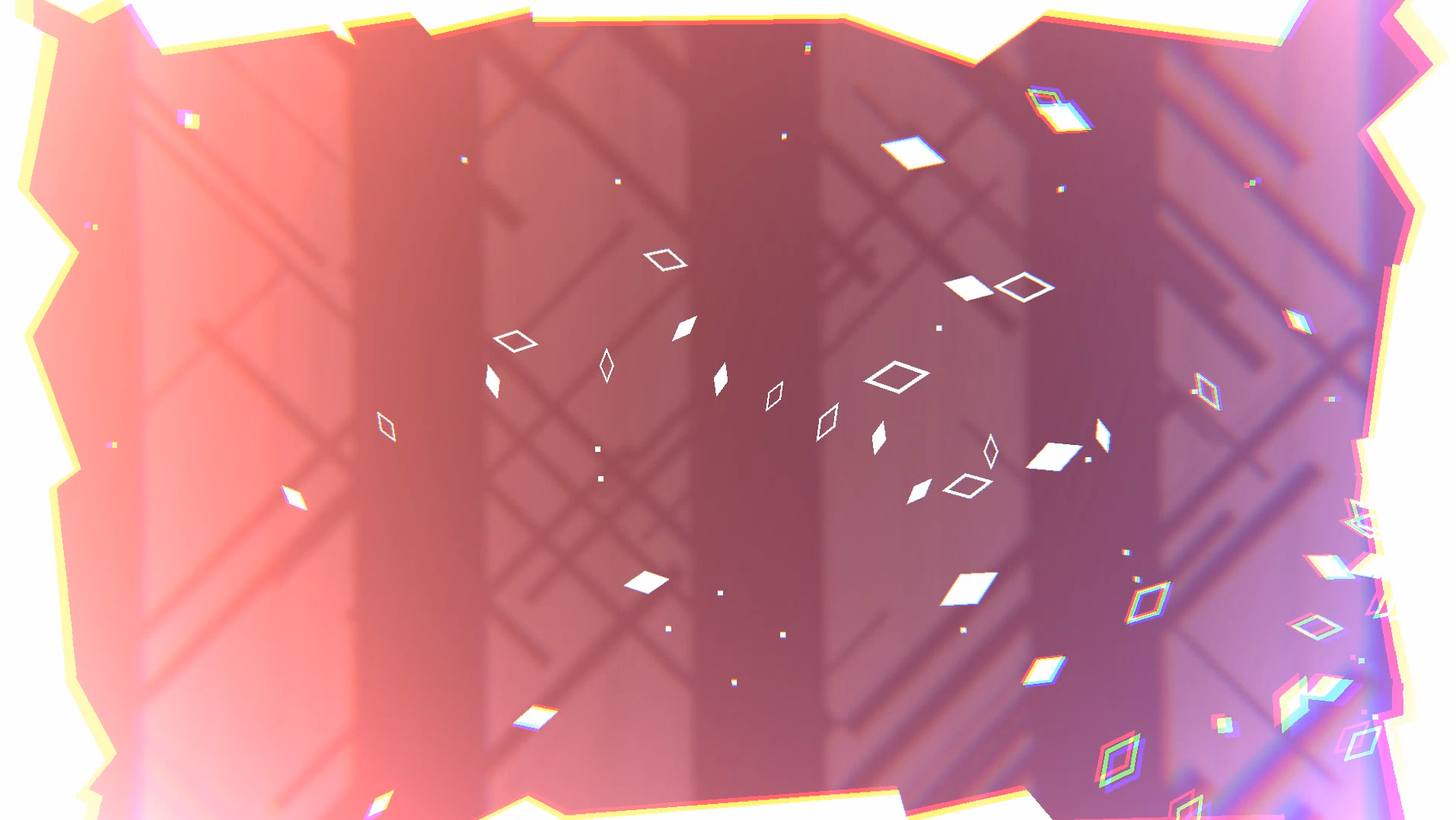
There’s also a theme without any color, which is basically the gradient event being set to Intensity 0.
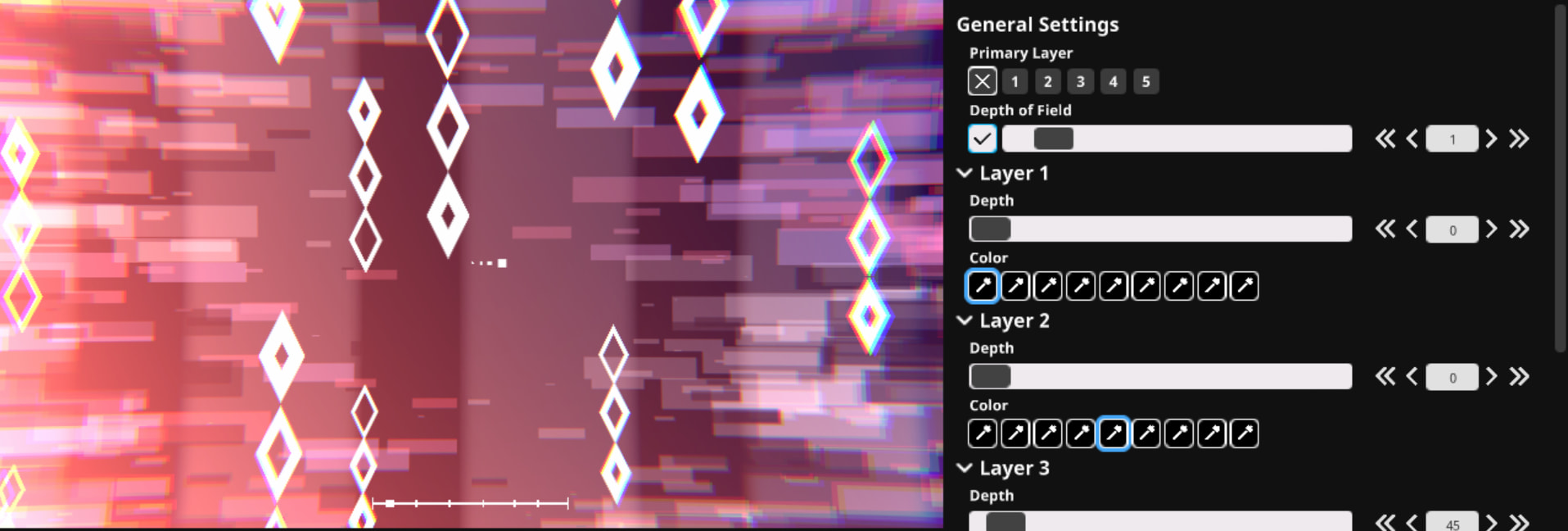
3rd step, part backgrounds. With this level, I wanted to use parallax objects + the newly introduced particle objects.
-
Parallax objects are quite specific to use. In this level, they’re used in the simplest form, just a series of rectangles spaced evenly apart with the depth of field set to 1. I also used triggers for them with BG Move and BG Spin.
-
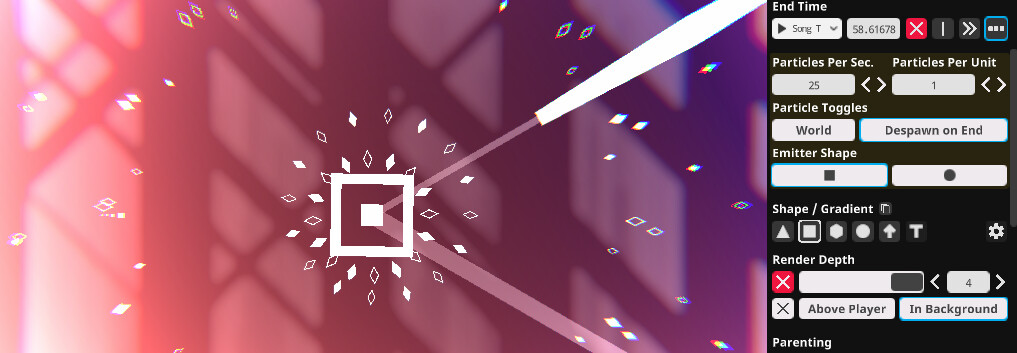
Particle objects are a game changer for making some really interesting backgrounds and some nice small particles at the sidescrolling parts of the level. Every part has multiple particle objects making up the background.
-
Also, a new feature got added to place objects in the background as well, so some particle objects were also set to be in the background.
4th, attack objects! I’ll be highlighting some parts in particular and explaining the thought process behind those parts.
-
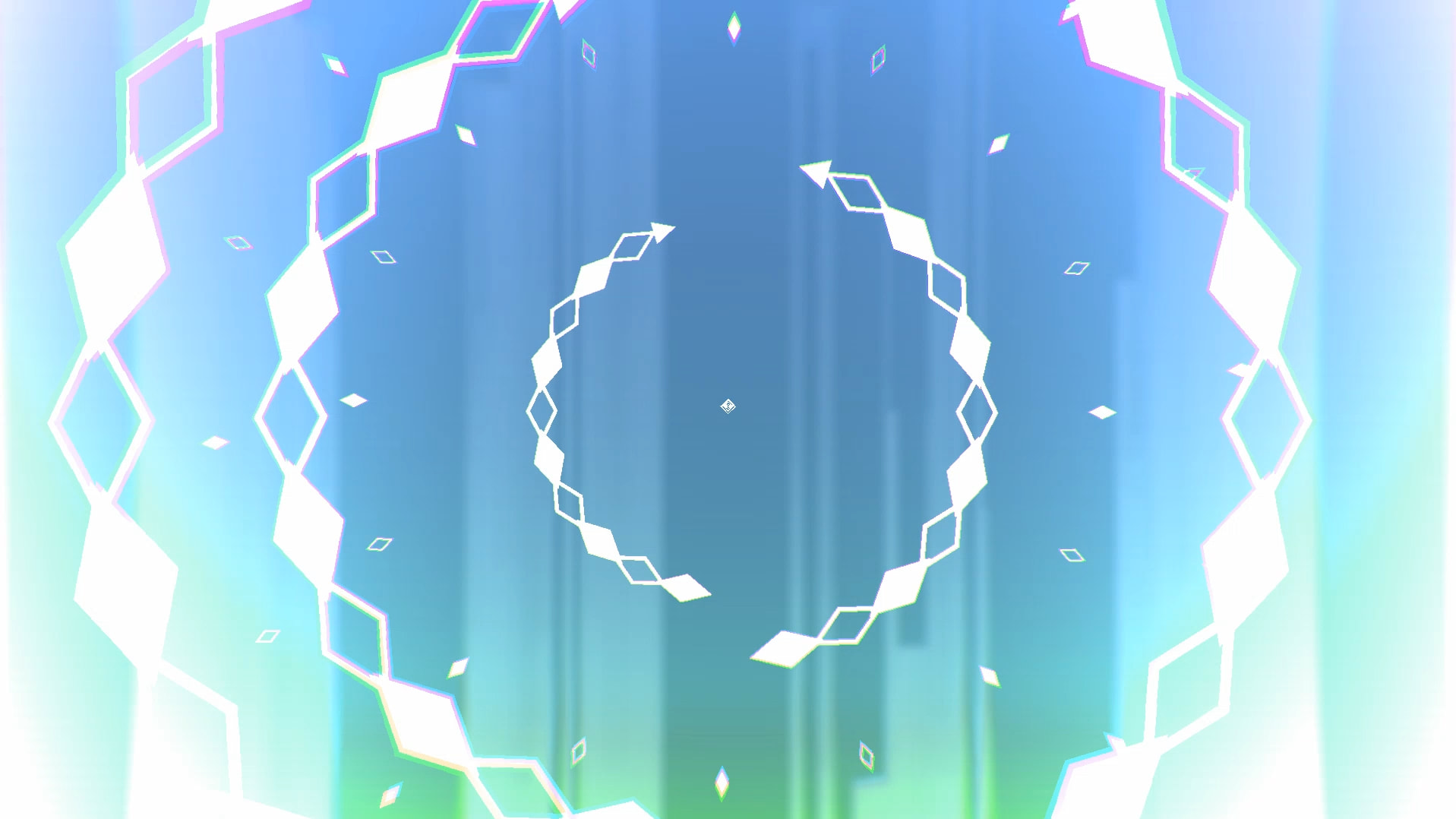
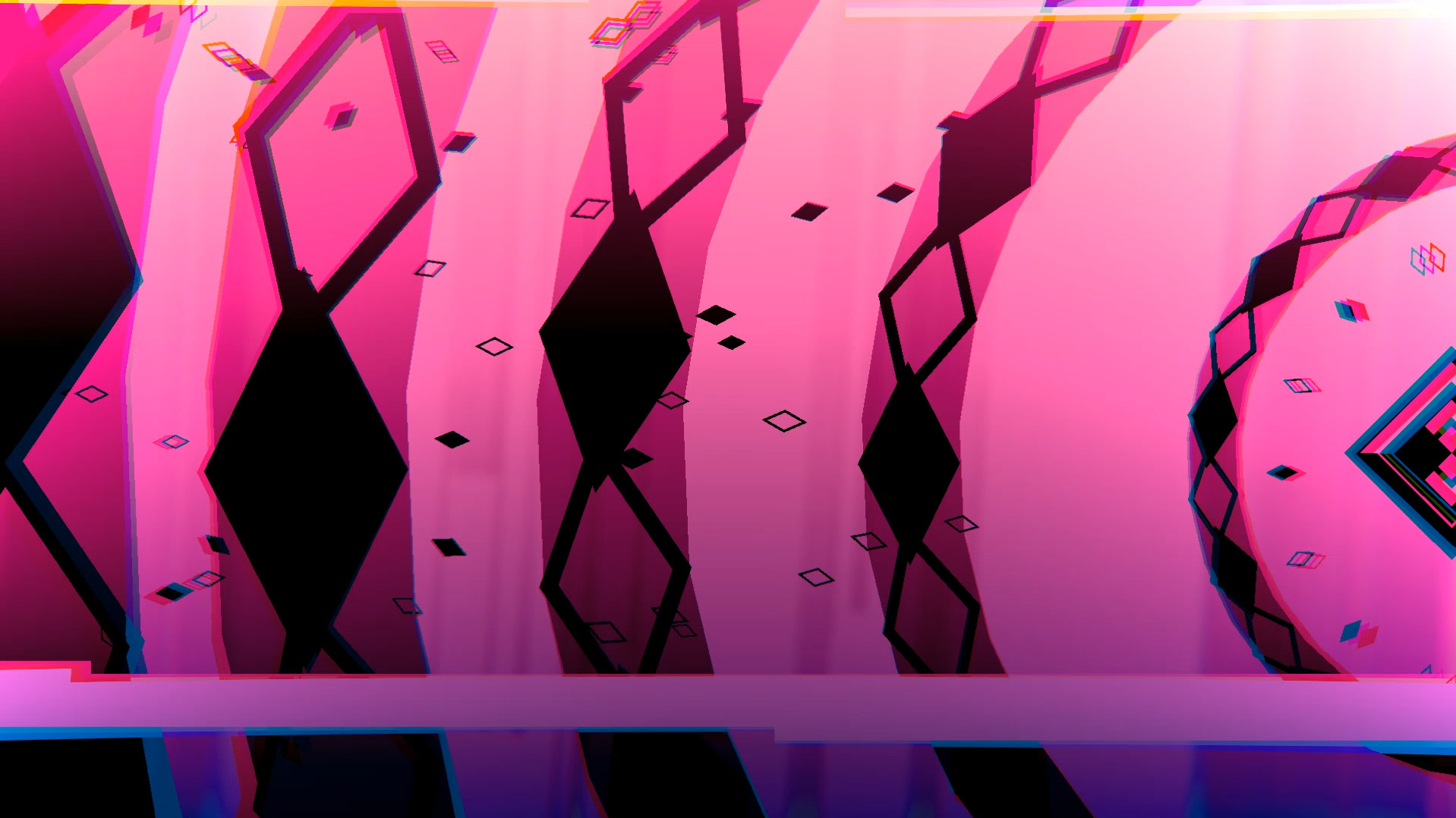
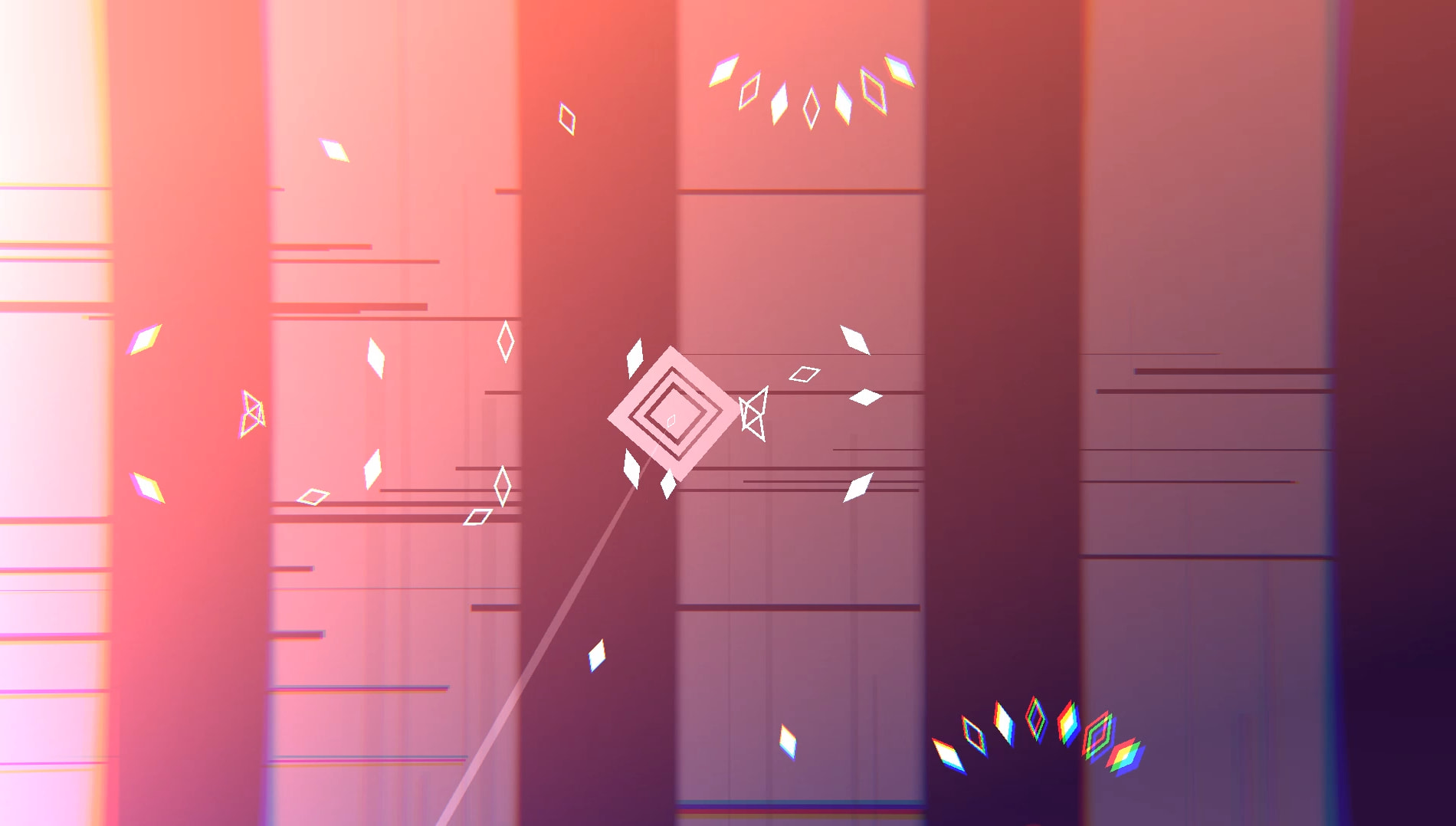
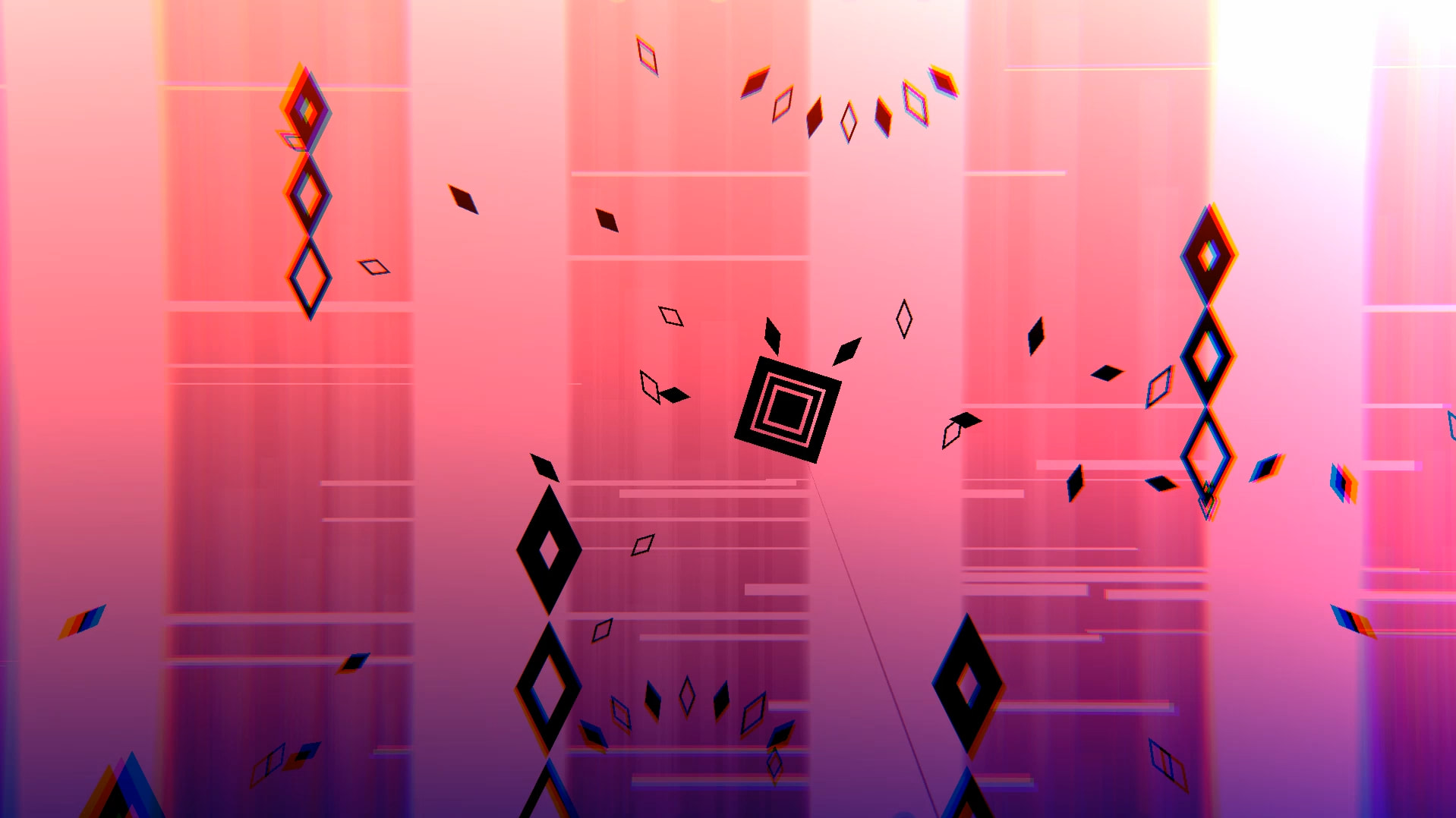
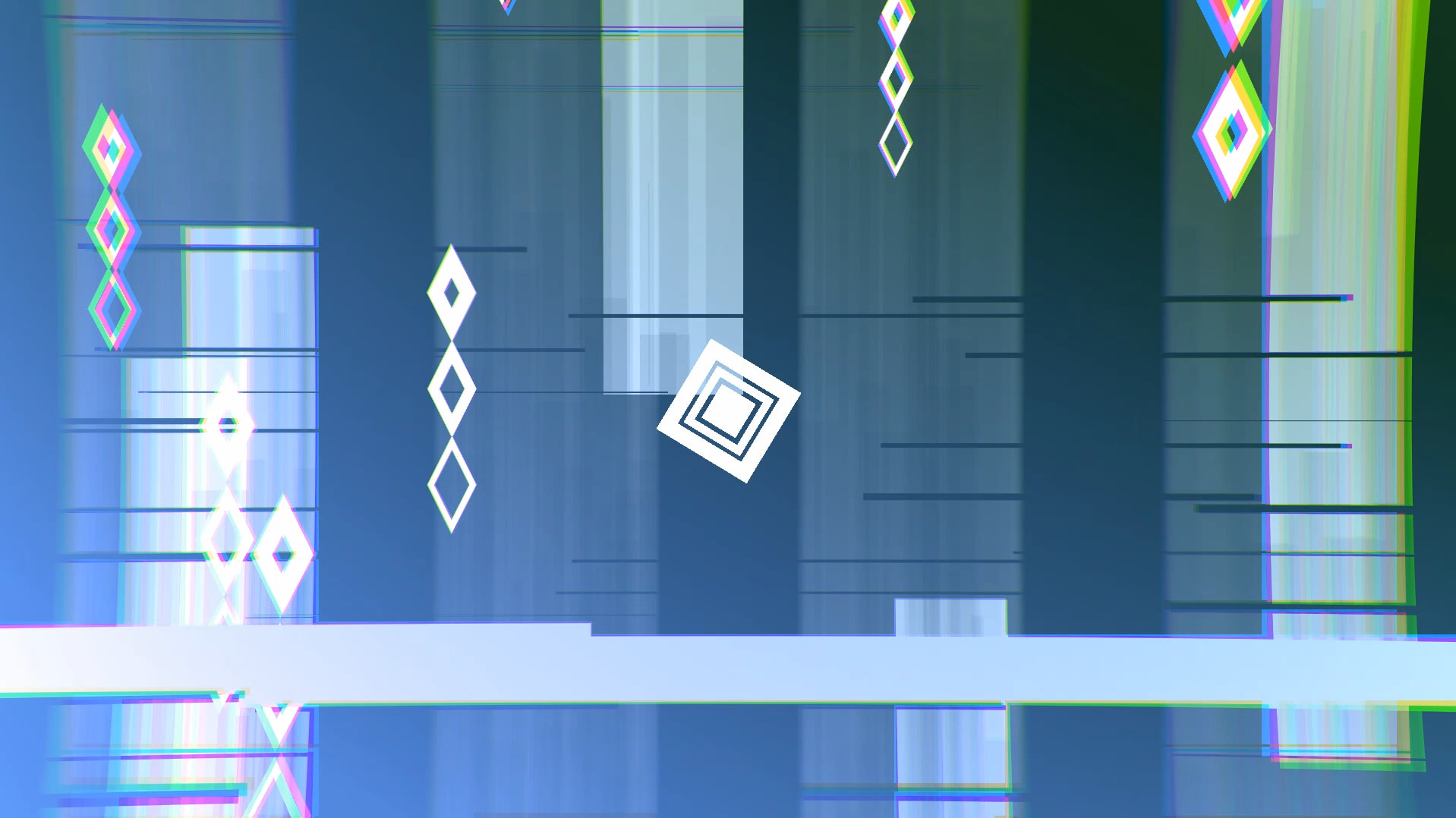
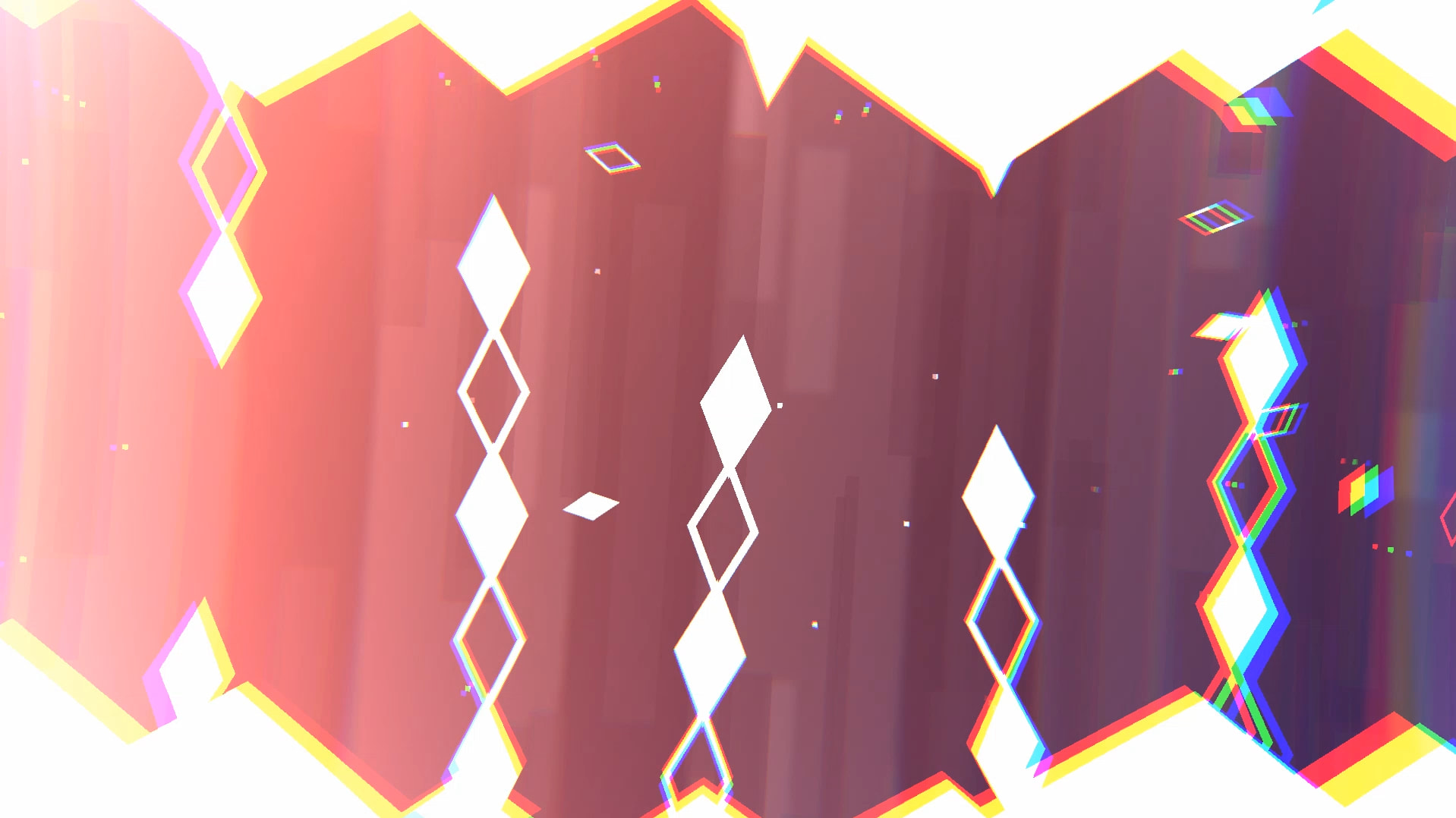
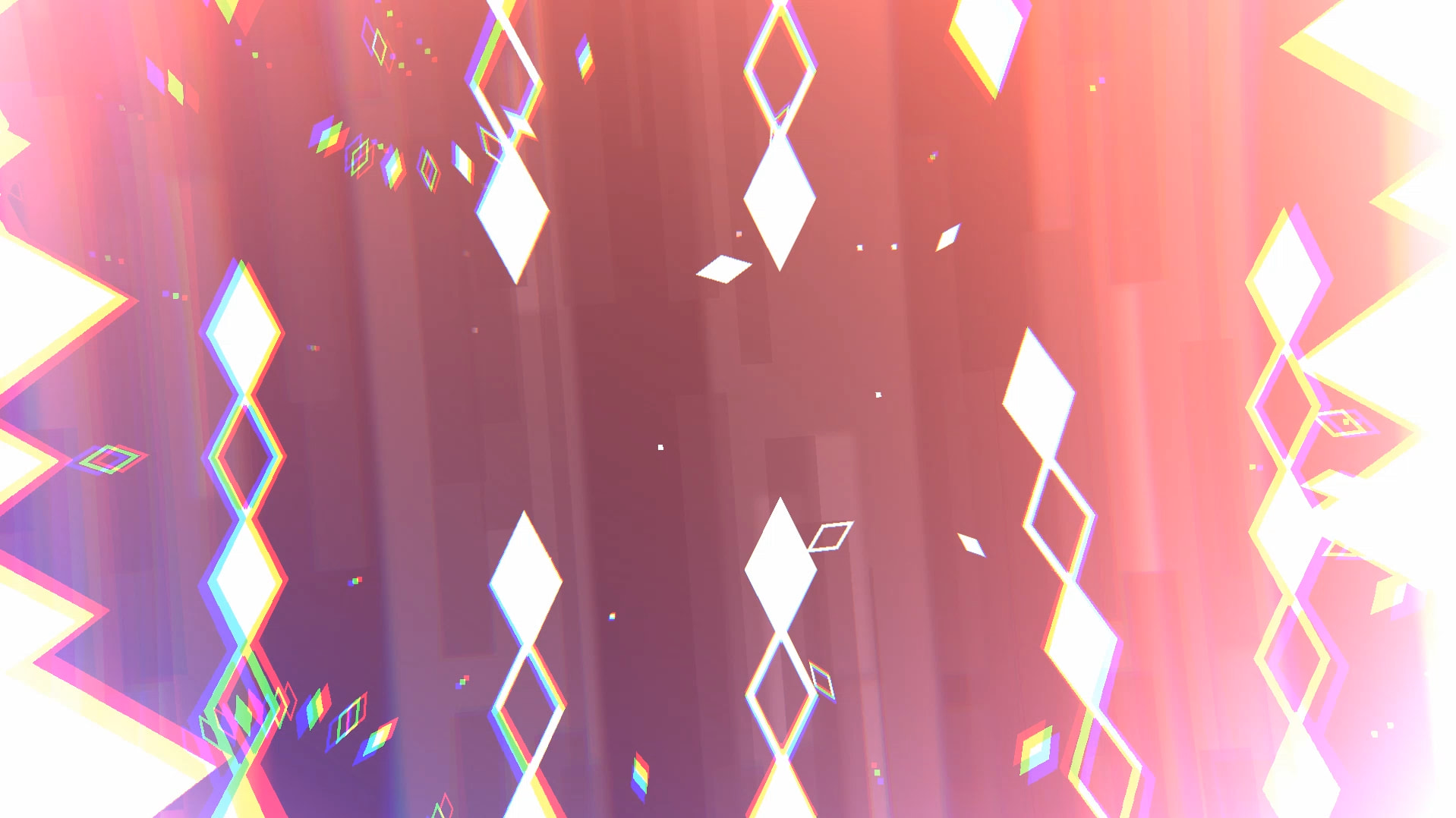
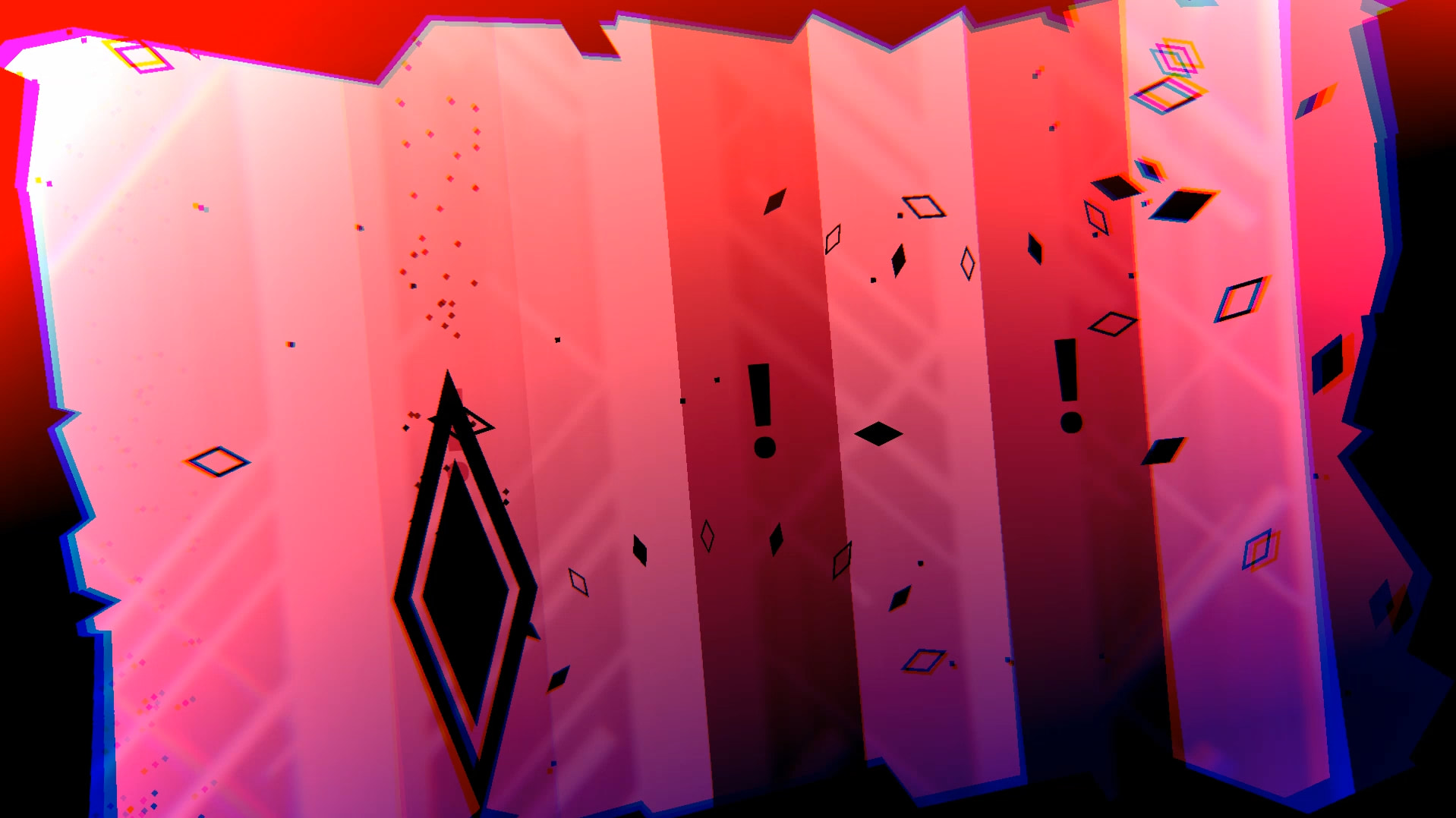
1st drop: Inspired by “Magnetar”, the worms are back in action but much faster and much more intense! The part follows a pattern of the main square being on the right, then moving to the left and then towards the center. The 2nd half of the 1st drop repeats the same thing, but now with swarms of bullet rings!
-
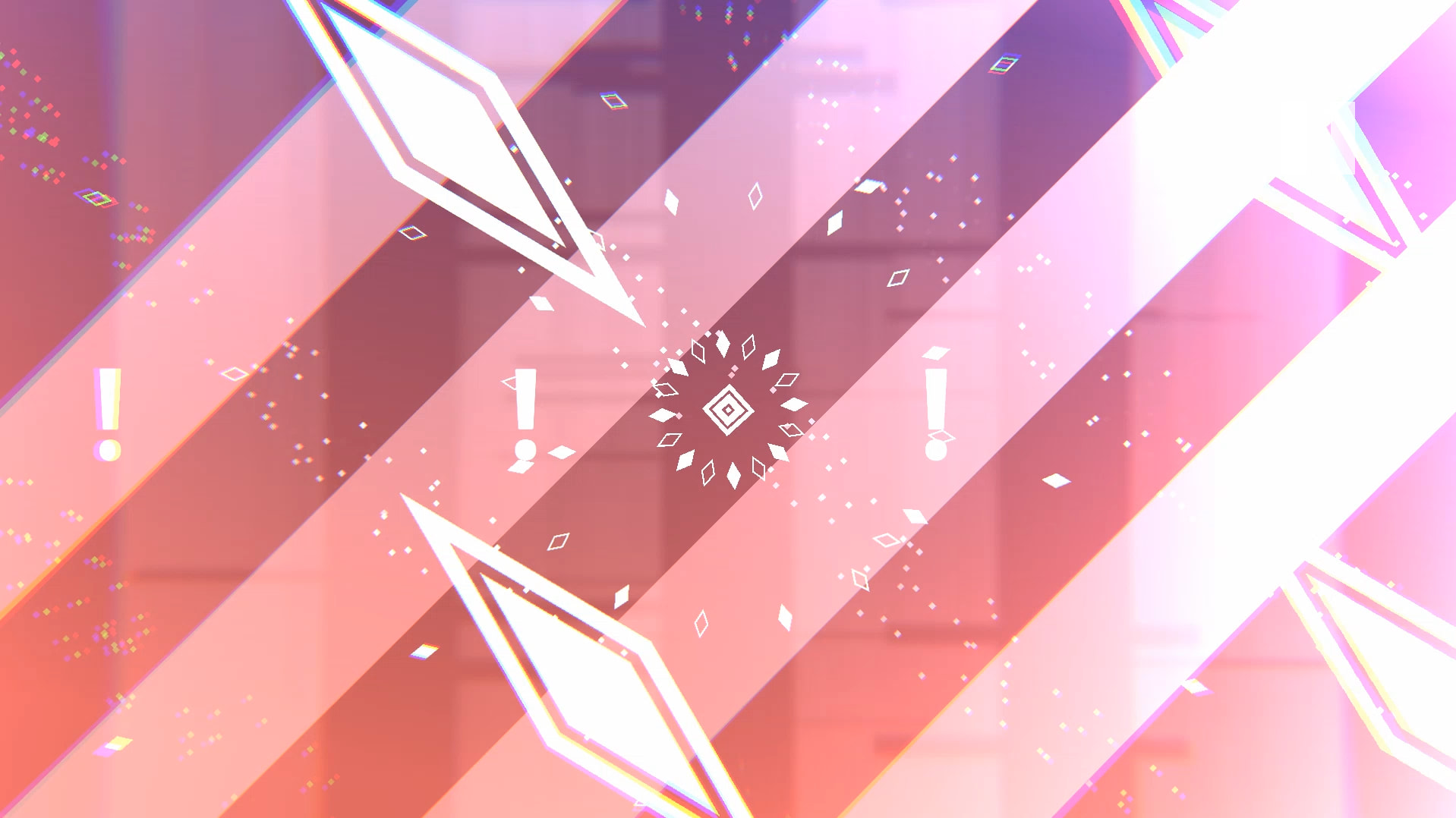
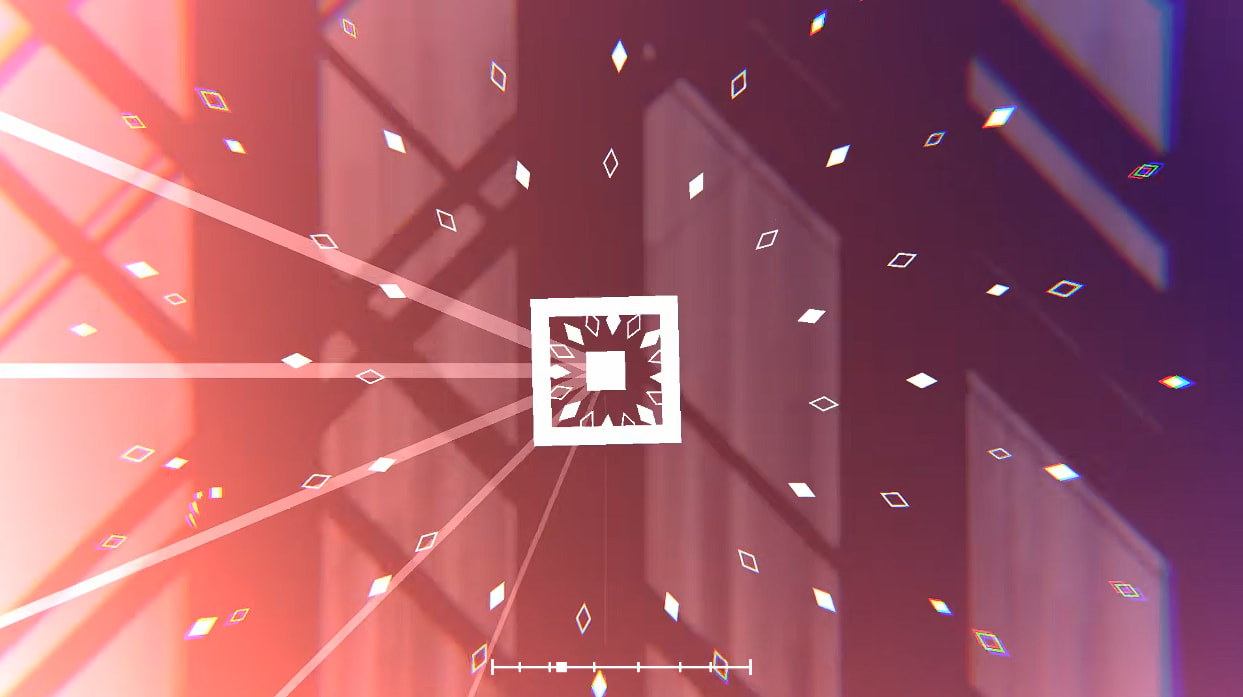
Part after 1st drop: Inspired by 2 of the attacks in “Empress”, one attack comes out of the main square and one attack spawns bullets from the top and bottom. The part leading to the 1st sidescrolling section has an interesting use of particle objects where the big white rectangles going up the screen are actually the same one making up the background!
-
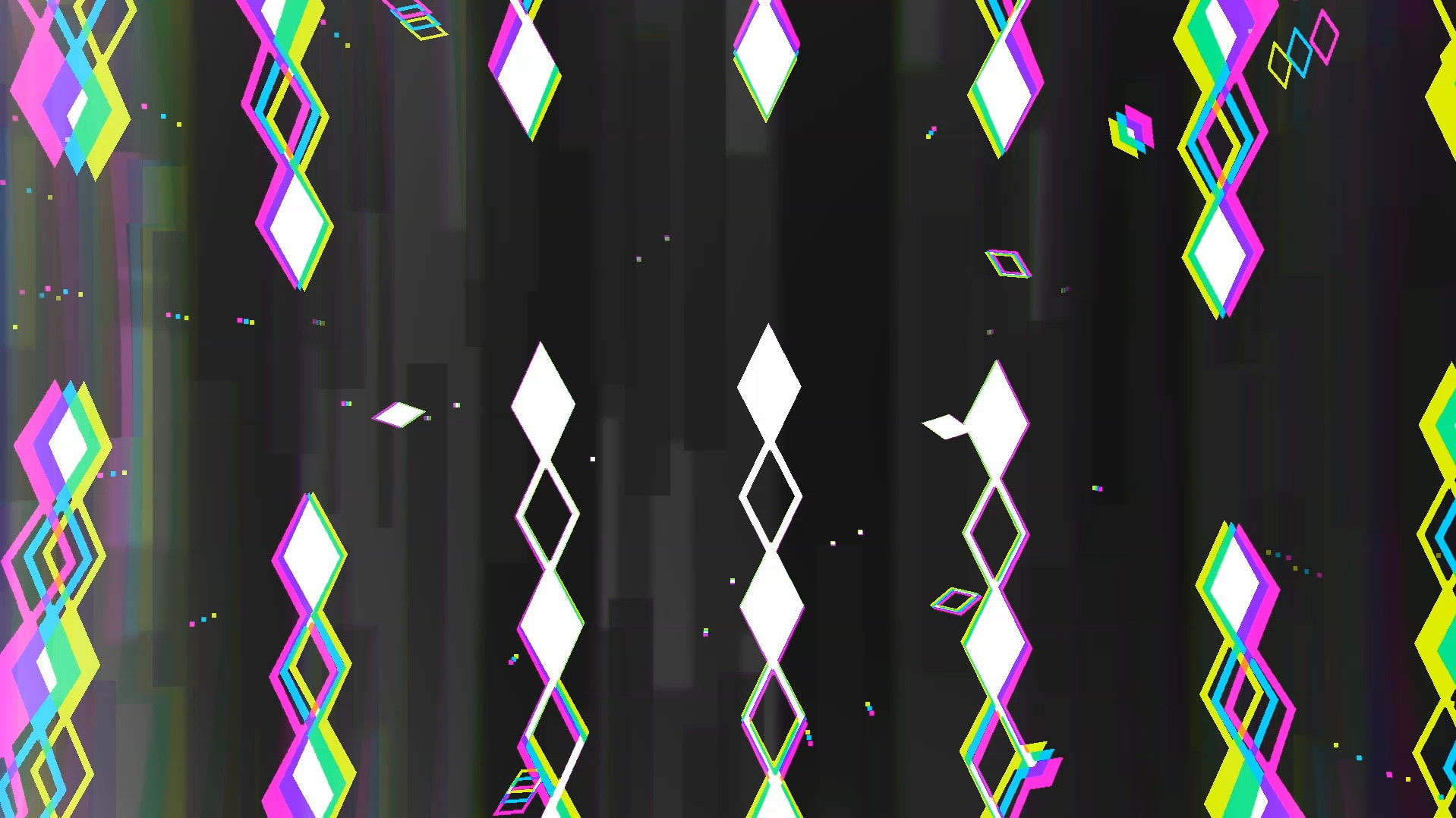
1st sidescrolling part: This is the part I was looking forward to making the most, since this is my favorite part of the song. However, this part did go through several changes. Originally, there wasn’t anything covering the top and bottom of the screen and the main part of the melody wasn’t synced, so I added some squares doing that. The 2nd half of this part moved those squares to the sides as well + added the previous bullet attack from the top and bottom. One interesting balance issue I encountered is that, those bullets were actually easier to dodge if they were moving faster. If they were moving slowly, it would actually make this part quite a bit harder!
-
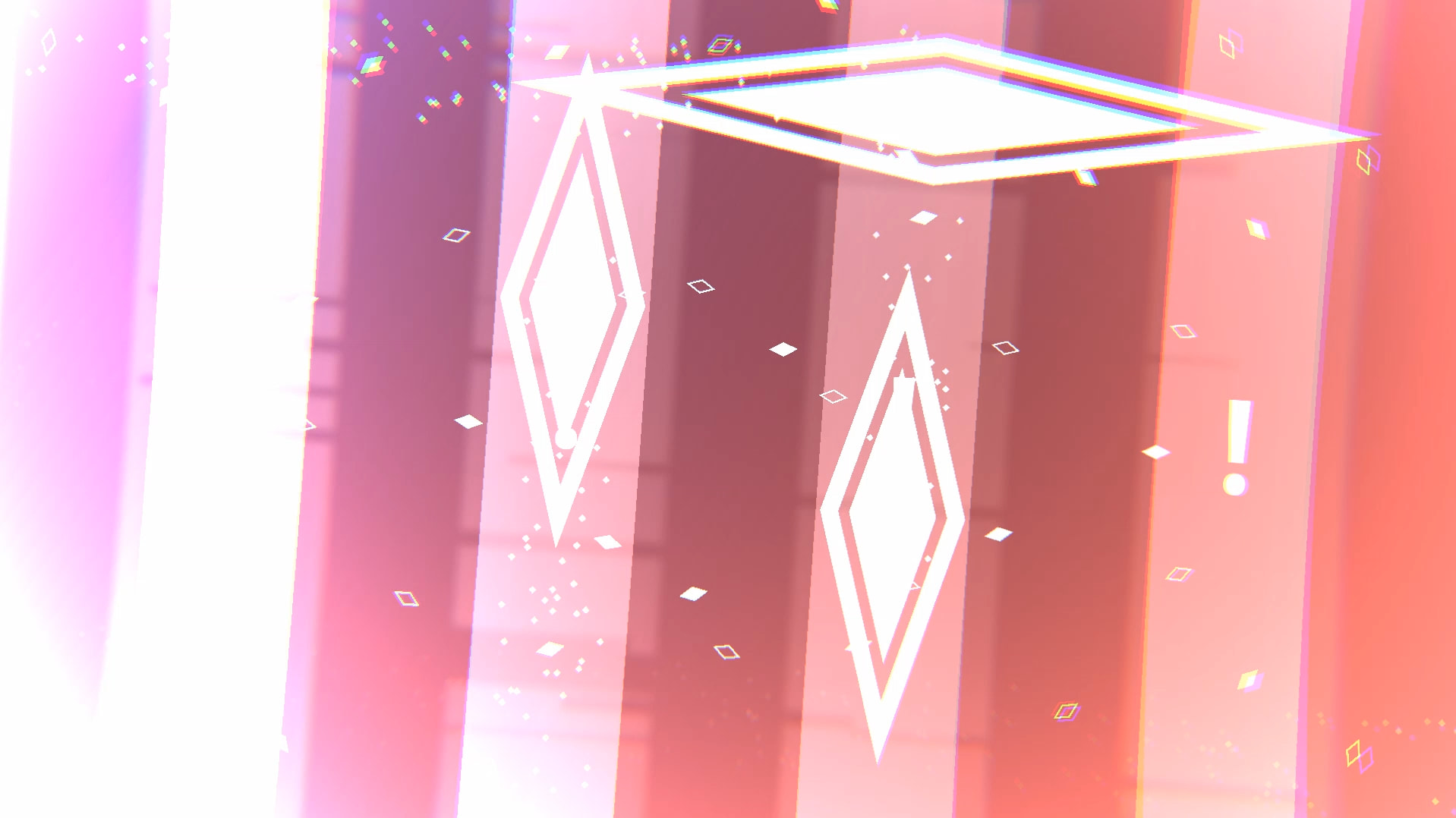
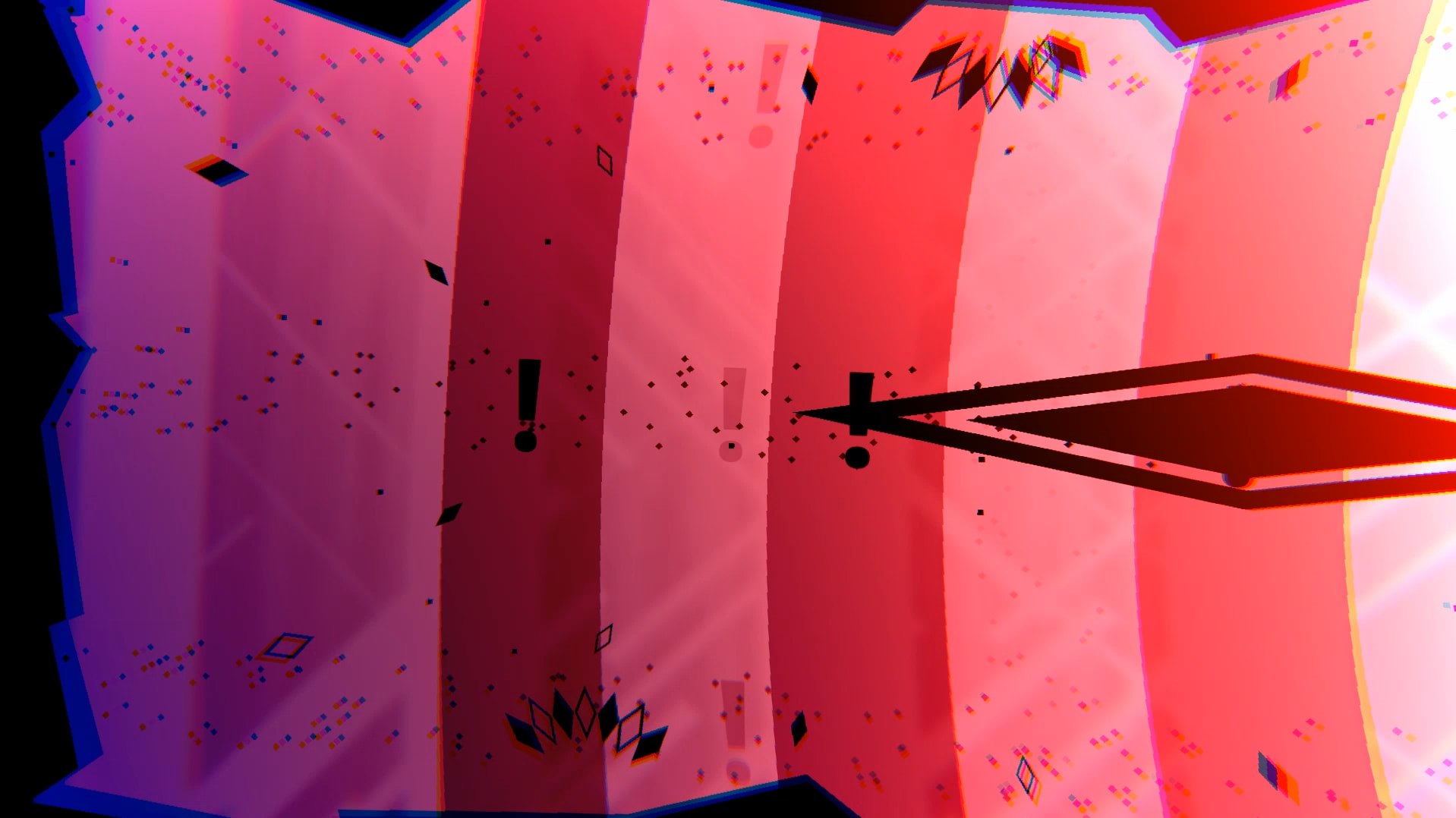
2nd drop: Lots of sounds to sync here, markers were being used a lot! With lots of help from the AB Discord server, this part used to have some major readability issues with warnings, luckily adding the exclamation points helped a lot. The warnings and the attack are actually separate and not in a prefab, only the attack is in a prefab, this allowed me to be more flexible in adjusting warning timings and also when flipping the attack using the prefab settings, it didn’t mess up the warnings. There’s a lot more to say in this part, look below for the Level Optimization & Fixes section!
-
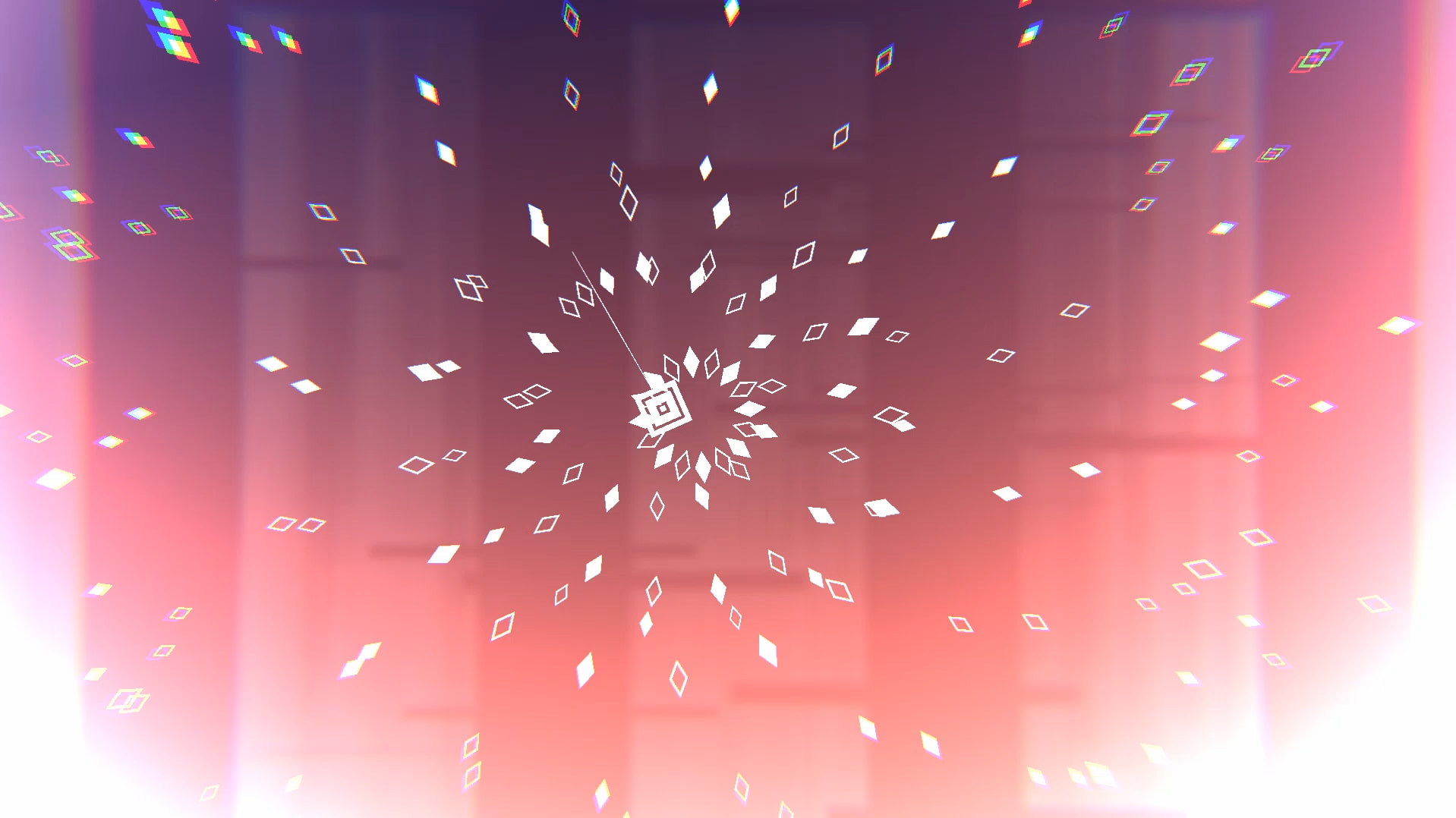
2nd sidescrolling part: Basically a culmination of everything thus far, the border, the speedy large bullets, the bullet rings, sidescrolling, everything! Personally for me, this 2nd drop drags on a little bit too much, lasting a minute, I had considered cutting out this part of the song entirely, but ultimately decided to leave it. This part also contains the only usage of the Lens event, being used only when the horizontal speedy bullets are being spawned in.
5th, other miscellaneous stuff worthwhile to mention!
- There’s a lot of Move Player triggers being used in the level, mostly to help with gameplay concerns and helping the player.
- Sometimes, you can see a player bubble appear with an exclamation mark, this is actually just the “Info” sprite flipped upside down!
- Some parts don’t always switch back to back to the black and white theme, some only switch to the white theme and then to the “no color theme” to help with gameplay readability and making sure warnings appear clearly. This is most prevalent in the 2nd drop where the black theme is barely used.
- A lot of shake triggers were used with their shake speed adjusted for more intensity.
- There’s a sneaky Move to X: 0 trigger right before the 2nd predrop, this saved me a lot of time not needing to set everything to a different X position after the 1st sidescrolling part!
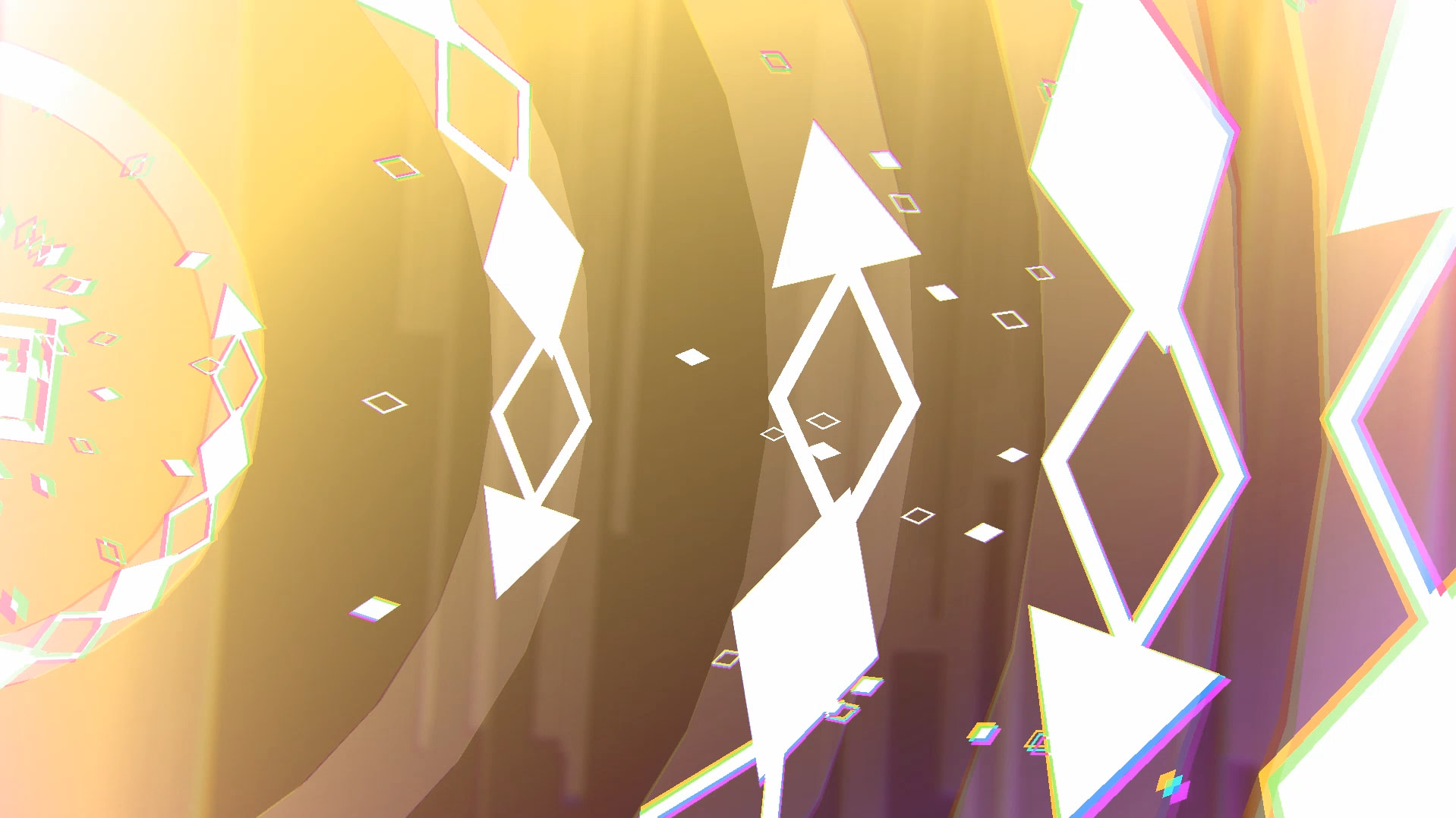
- Some parts use a “light background” version of the theme, which basically reduces the contrast of the background to be less noticeable and puts more focus on the warnings and attacks, you can see this in the 1st drop, the 1st sidescrolling section and the rest of the level starting from the 2nd drop.
Level Optimization & Fixes
Just before making the 2nd drop, I realized some of the bullet ring prefabs that are being used contained an excessive number of parent objects. The level was still running smoothly, but I wanted to optimize in places wherever I can. After redoing some of the prefabs that contained those bullets in pretty much every part of the level, I managed to save ~2000 objects in the level.
Plus, I also went ahead and set most of those prefabs’ autokill to Fixed Time whenever the bullets are off-screen right away, instead of using Last Keyframe or Song Time. As I’m running on a low-end setup, every bit of optimization helps!
There were a lot of parts before where I used Song Time to kill all prefabs, mostly for transitioning to a different part, but later on, I decided to use an outside parent object to kill the prefabs using an Instant 0 Scale keyframe to allow for more flexibility.
However, this also created a little reminder for myself! If I wanted to reuse those prefabs later on, I must place another keyframe back to normal scale. The parts of the level from 2:50 to 2:53 spawn a lot of bullet rings, but for gameplay readability concerns (also giving the player a little help), they get Instant 0 Scale as soon as the next part comes in with the speedy large bullets.
As soon as those speedy ones finish, there’s another part with a lot of bullet rings being spawned in, so I had to place another instant keyframe scale back to normal. However, this created a little problem as the previous bullet rings are still present, so I had to manually expand those prefabs to autokill using Song Time. Perhaps, a better solution could be made, but this works for me. (note: if you pay close attention to the video, you could actually see some bullets instantly appearing at 2:56 near the edges, this was a mistake, whoops! This has been fixed.)
Unfortunately, somehow, some attack lasers in the 1st predrop part (0:57) were missing, there were a lot of strange moments during the level creation process where some objects were deleted, not sure what’s happening as I don’t remember deleting them whatsoever. Nevertheless, those have been fixed. I hope that’s the last of them!
Final Thoughts
Thank you all for playing the level and reacting positively to it on Youtube, Discord, Steam, wherever or whenever, I really appreciate each and every message and reaction ^^ This is also my first time making such an in-depth overview, so please excuse any minor grammar or spelling mistakes. Perhaps for future levels, I might do the same!
Thank you for reading!
